180. Vehicle Cut Out evaluation scenario
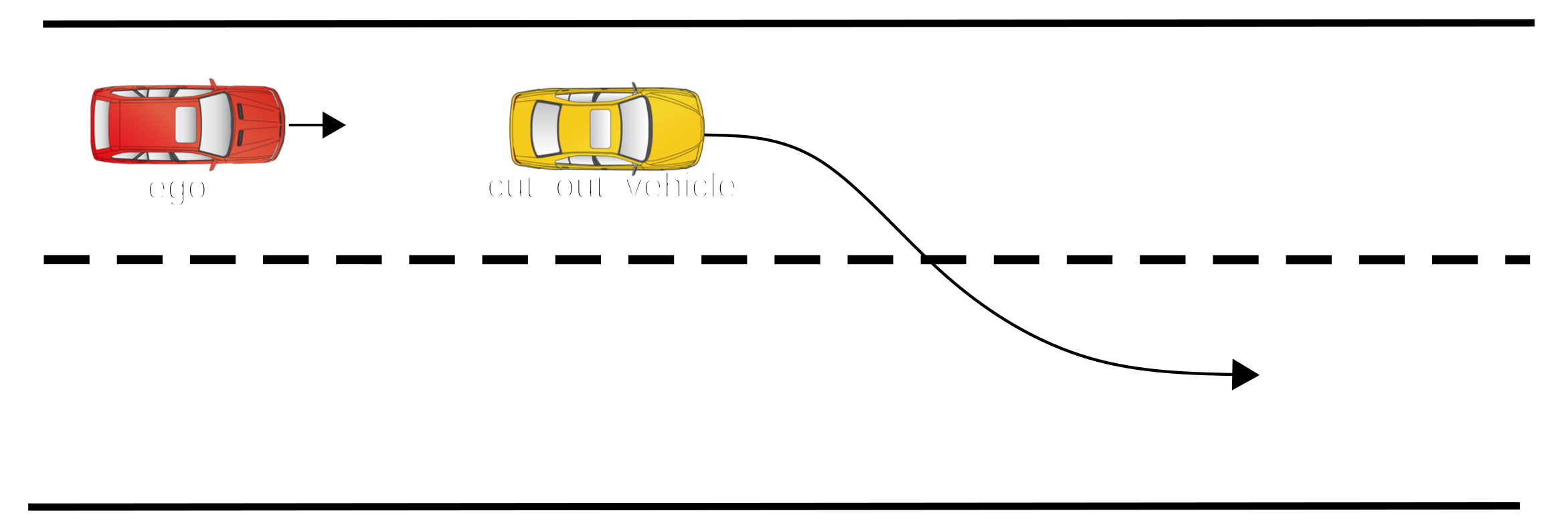
In the vehicle_cut_out evaluation scenario, the vehicle_actor drives ahead of the Ego in the same lane, with the Ego following it. Then, the vehicle_actor changes lanes.
Scenario location: $FTX/logiq/scenario_library_post_match/vehicle_cut_out/vehicle_cut_out
180.1 Actors
The actors associated with this scenario are as follows:
| Actor | Description | Type | Depiction |
|---|---|---|---|
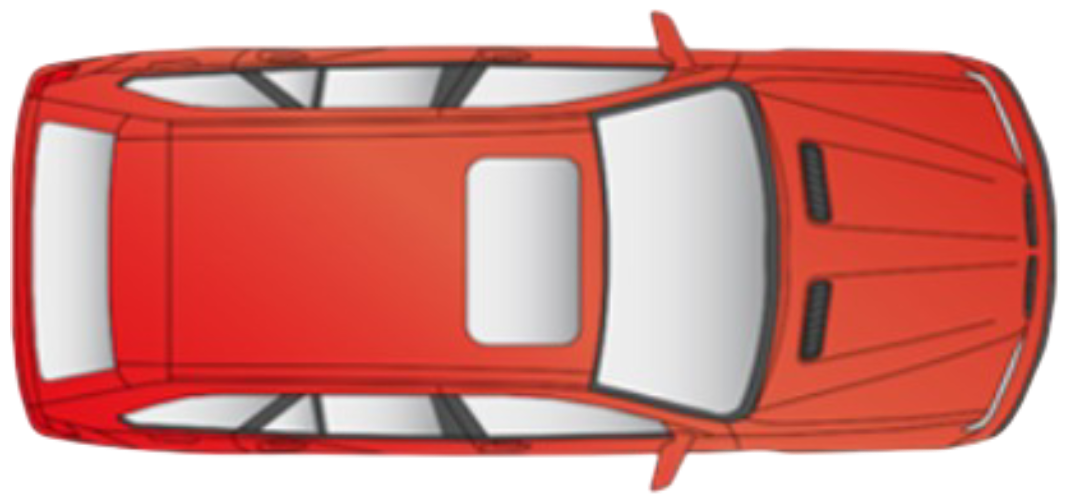
ego |
Vehicle under test | vehicle |
 |
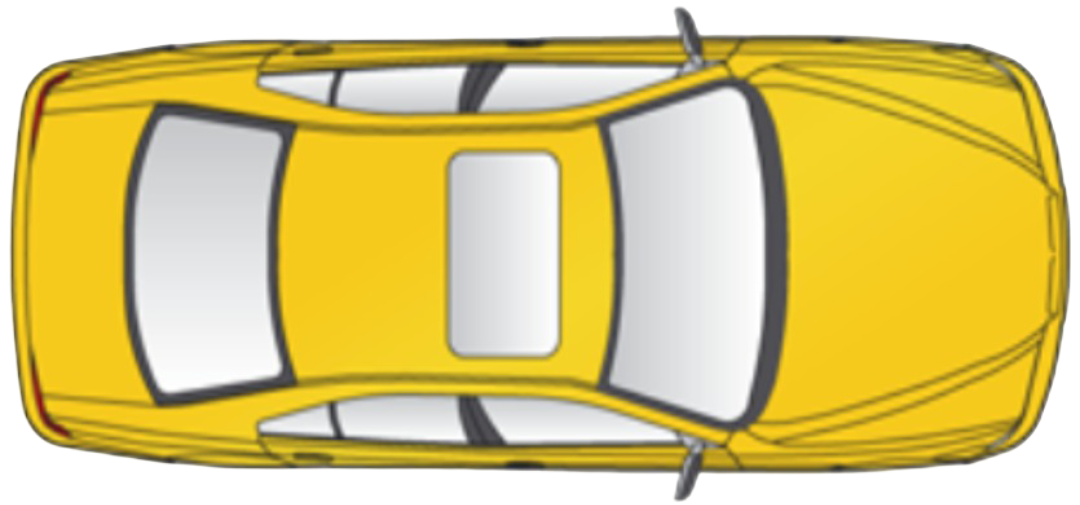
vehicle_actor |
Cut out vehicle | vehicle |
 |
180.2 Prerequisites
The vehicle_cut_out scenario requires a road with at least two lanes in the same direction. The Ego and the vehicle_actor must start in the same lane.
180.3 Match criteria
Interval open: The Ego and the vehicle_actor are in the same lane, going in the same direction. The latter vehicle remains in a range of min_distance_from_sut_in_time_units and max_distance_from_sut_in_time_units from the Ego.
- Interval close: When the vehicle_actor is ahead of the Ego, in an adjacent lane.
- Preconditions:
180.4 Scenario phases
The phase descriptions are as follows:
180.4.1 start_scenario_cut_out
Ego: The Ego is driving in the same lane as the vehicle_actor, following behind it.
vehicle_actor: The vehicle_actor drives ahead of the Ego in the same lane and remains close to the Ego
at a distance between min_distance_from_sut_in_time_units and max_distance_from_sut_in_time_units.
180.4.2 side_of_ego_lane
Ego: The Ego continues driving in the same lane.
vehicle_actor: The vehicle_actor changes lanes and continues driving in the lane adjacent to the Ego.
180.5 Configuration parameters
Use these parameters to constrain the scenario. If you do not set a specific value, the default value will be used.
| Parameter | Type | Unit | Description | Default value |
|---|---|---|---|---|
min_start_scenario_phase_duration |
time | s | Minimum time of the start_scenario_cut_out phase |
1s |
max_start_scenario_phase_duration |
time | s | Maximum time of the start_scenario_cut_out phase |
3s |
min_side_of_lane_phase_duration |
time | s | Minimum time of the side_of_ego_lane phase |
0.5s |
max_side_of_ego_lane_phase_duration |
time | s | Maximum time of the side_of_ego_lane phase |
3s |
same_road_limit |
time | s | Time threshold for the vehicle_actor to be considered as driving on the same road as the Ego | 10s |
[Click] The input items inherited from the sut.logiq_base_lane_following_scenario scenario are as follows:
| Parameter | Type | Unit | Description | Default value |
|---|---|---|---|---|
min_distance_from_sut_in_time_units |
time | s | Minimum headway distance between the Ego and the vehicle actor | 0s |
max_distance_from_sut_in_time_units |
time | s | Maximum headway distance between the Ego and the vehicle actor | 5s |
[Click] The input items inherited from the sut.logiq_base_vehicle_scenario scenario are as follows:
| Parameter | Type | Unit | Description | Default value |
|---|---|---|---|---|
kinds |
list of evaluation_object_kind | — | Possible kinds of vehicle_actor in the scenario | — |
180.6 Metrics
180.6.1 Coverage
| Item | Description | Values | Unit/Type |
|---|---|---|---|
agent_speed_at_change_lane |
Speed of the vehicle_actor at the time of the lane change | [0..150), every: 10.0 | mph |
distance_at_change_lane |
Distance between the vehicle_actor and the Ego at the time of the lane change | [0..200), every: 10.0 | m |
side_of_npc_relative_to_ego_after_lane_change |
Side of the vehicle_actor relative to the Ego after the lane change | left, right | av_side |
[Click] The coverage items inherited from the sut.logiq_base_lane_following_scenario scenario are as follows:
| Item | Description | Values | Unit/Type |
|---|---|---|---|
ego_min_distance_to_vehicle |
Minimum distance gap throughout the scenario | [0..200), every: 20.0 | m |
[Click] The coverage items inherited from the sut.logiq_base_vehicle_scenario scenario are as follows:
| Item | Description | Values | Unit/Type |
|---|---|---|---|
vehicle_speed_at_start |
Agent speed at start of the scenario | [0..150), every: 10.0 | mph |
[Click] The coverage items inherited from the sut.logiq_base_scenario scenario are as follows:
| Item | Description | Values | Unit/Type |
|---|---|---|---|
ego_speed_at_start |
Ego longitudinal speed at the start of the scenario | [0..160), every: 10.0 | mph |
180.6.2 KPI
[Click] The KPIs inherited from the sut.logiq_base_vehicle_scenario scenario are as follows:
| Item | Description | Values | Unit/Type |
|---|---|---|---|
vehicle_object_kind |
Object kind as derived from Foretify | object, person, cyclist, vehicle, truck, trailer, fod, animal, sign, bus, motorcycle, emergency_vehicle, stationary_vehicle | evaluation_object_kind |
vehicle_tracking_id |
Tracking id of the agent as described in the object list data. If the data comes from a generative run, the UID will be used | string | |
vehicle_avg_speed |
Agent average longitudinal speed throughout the scenario | mph | |
vehicle_max_speed |
Agent maximum speed throughout the scenario | mph | |
vehicle_min_speed |
Agent minimum speed throughout the scenario | mph | |
vehicle_max_lon_acceleration |
Agent maximum longitudinal acceleration throughout the scenario | mpsps | |
vehicle_min_lon_acceleration |
Agent minimum longitudinal acceleration throughout the scenario | mpsps | |
ego_min_ttc_to_vehicle |
Minimum time to collision with the reference vehicle throughout the scenario | s | |
ego_min_mttc_to_vehicle |
Minimum modified time to collision with the reference vehicle throughout the scenario | s |
[Click] The KPIs inherited from the sut.logiq_base_scenario scenario are as follows:
| Item | Description | Values | Unit/Type |
|---|---|---|---|
ego_max_lon_acceleration |
Ego maximum acceleration throughout the scenario | mpsps | |
ego_min_lon_acceleration |
Ego minimum acceleration throughout the scenario | mpsps | |
ego_min_speed |
Ego minimum longitudinal speed throughout the scenario | mph | |
ego_avg_speed |
Ego average longitudinal speed throughout the scenario | mph | |
ego_max_speed |
Ego maximum longitudinal speed throughout the scenario | mph | |
ego_distance_traveled_during_interval |
Total distance traveled by the Ego during the interval | m | |
interval_duration |
Interval duration of the scenario | s |
180.7 Log and Error Messages
No scenario-specific log messages.
180.8 Usage
Import the post-match scenario top file and register the matcher in a match: block, overriding only the parameters you need. Any omitted parameters use the defaults listed in Configuration parameters.
The matcher is also available through the shared post-match import bundle:
$FTX/logiq/customers/base/osc/post_match_scenarios.osc$FTX/evaluate/library/scenarios/scenario_library_post_match.osc(evaluation builds).
import "$FTX/logiq/scenario_library_post_match/vehicle_cut_out/vehicle_cut_out/vehicle_cut_out_top.osc"

# The following example imports the top file and overrides seven parameters:

match:
    vehicle_cut_out: sut.vehicle_cut_out(min_distance_from_sut_in_time_units: 0s,
                                       max_distance_from_sut_in_time_units: 6s,
                                       min_start_scenario_phase_duration: 1s,
                                       max_start_scenario_phase_duration: 3s,
                                       min_side_of_lane_phase_duration: 1s,
                                       max_side_of_ego_lane_phase_duration: 3s,
                                       kinds: [vehicle, cyclist, truck, emergency_vehicle, bus, motorcycle])